Trombonest 1.4.0: Record Yourself Playing
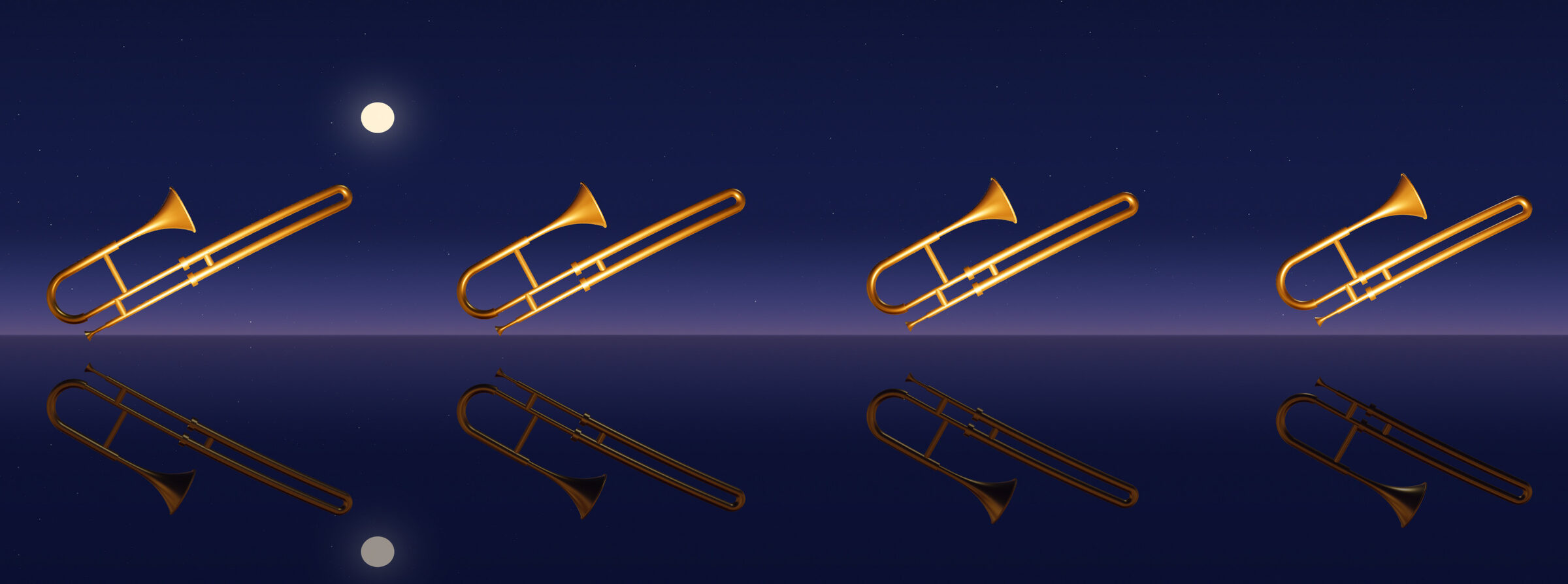
Trombonest 1.4.0 is out on Meta Quest. You can now save a video of yourself playing.
Save a video of yourself playing
- Press ≡ to open the menu, then press Start Recording.
- Play.
- Open the menu again and press Save Video.
The video is the last thing you played, going back to the last time you stopped for five seconds, up to a minute long. It’s vertical, the shape TikTok and Reels use, and it saves to Movies/Trombonest on your headset. You can watch it come together on a panel beside the menu.
It doesn’t film your room. It films you from the audience: a figure in a headset on a dark stage, moving the way you moved, with sparkles coming out of the bell as you play. The sound is the trombone as you heard it, not your microphone.
Nothing records until you press Start Recording. Recording stops when you go back to the main menu.
Graphics
Edges look smoother, especially on the slide, and the game does less work to draw each frame.
Sound
The trombone sounds cleaner. We squeezed out some performance by optimizing some audio code to get notes to play 12ms faster on average. It’s barely perceptible to the human ear, but every millisecond adds up! We fixed a bug where notes got stuck or cut off.
Happy tooting!